How to Share a Period Tracker With Your Partner (Every Route That Works)
Most of the advice out there answers a question nobody actually asked. Which tracker is best matters far less than the thing you are really stuck on: her cycle lives in an app on her phone, and you want it, with her blessing, on yours. So this is how to share a period tracker with a partner in 2026, route by route, including the two routes that quietly do not exist.
Four ways in. They are not equal, and the best one for you depends less on the app than on which phones you both carry.
Route 1: an app with a partner mode built in
A handful of trackers have a second person designed into them. She stays the owner of the data and you get a read-only view.
Flo has Partner Mode, and it costs nothing to start. Flo’s own help pages list basic Partner Mode functions in the free tier, alongside period and ovulation predictions and symptom tracking. She invites you, you see where she is in her cycle plus some context about what that phase tends to bring. Our full Flo for partners review covers what it does and does not show you.
Clue does it with a link rather than a mode. Clue Connect lets her send you a view of her cycle predictions, which lands in a Calendar View on your side. Three limits nobody mentions up front: one connection at a time, one direction only, and the sharing side sits behind Clue Plus even though viewing is free. We pulled that apart in our piece on how Clue Connect works.

Full disclosure, since it would be strange to skip it: PeriodBro is our own app, built partner-first with multiple profiles, which is the gap we kept running into. Discount that as heavily as you like. The point of this article stands without it, and our comparison of trackers for partners covers the rest of the field.
Route 2: share it at the phone level, not the app level
If you are both on iPhone, the cleanest route skips third-party apps entirely.
Apple built Health Sharing into iOS back in 2021, and it was explicitly designed for exactly this: sharing with “a trusted partner or caregiver”, with fertility insights named as one of the use cases. She picks the topics, she can stop at any time, and Apple states it has no access to the data when a user chooses to share it with someone.
She turns it on in the Health app under Sharing, chooses you, and chooses which topics travel. Cycle Tracking is one of them. Full walkthrough in Apple’s own guide, and our piece on Apple Health cycle tracking covers what the data actually looks like once it arrives.
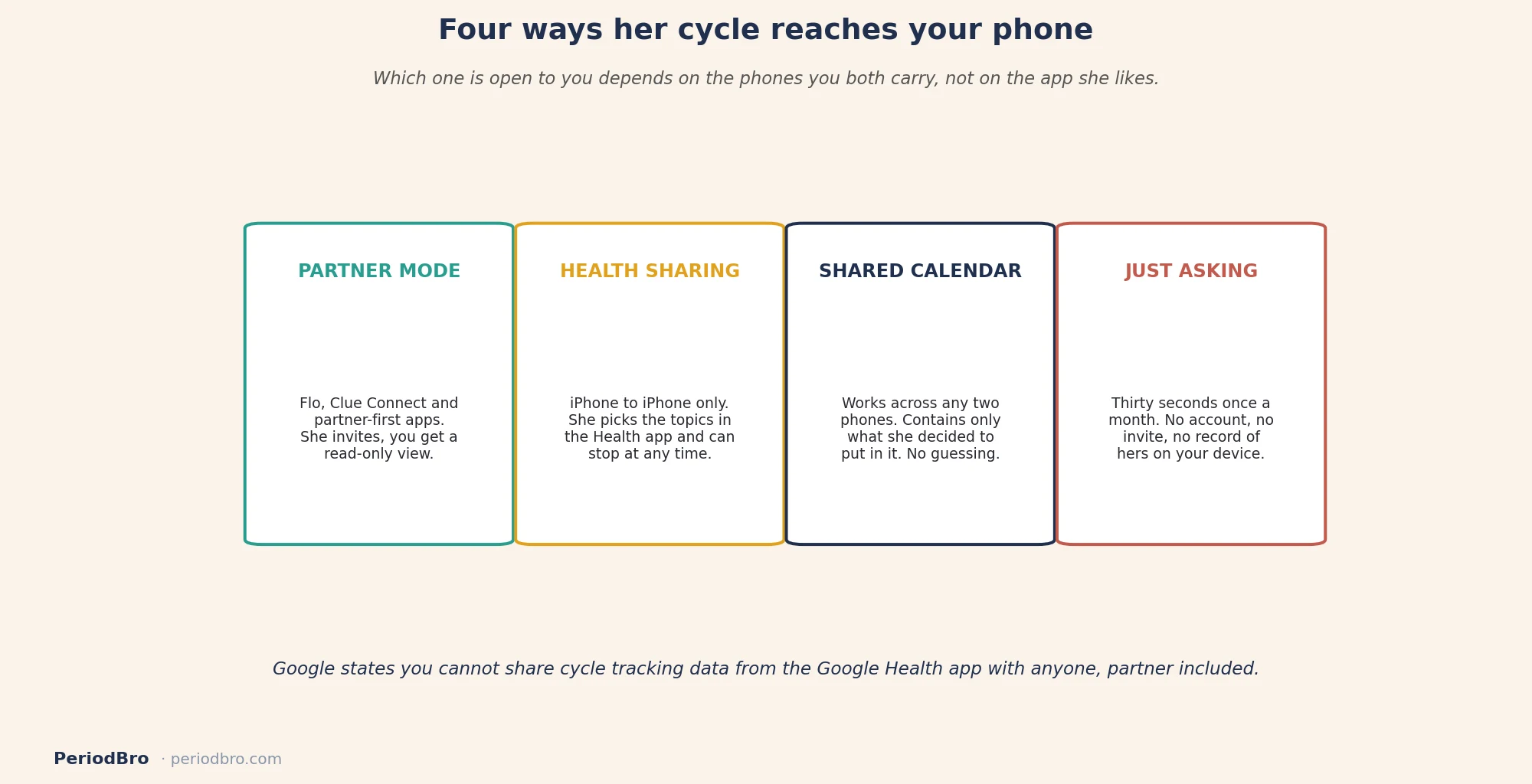
The catch is that both of you need an iPhone. Mixed household, and this route is closed.
How to share a period tracker with a partner on Android
You cannot, at least not through the platform, and it is worth knowing that before you spend an evening looking for the setting.
Google’s own support page is blunt about it: at this time, you cannot directly share your cycle tracking data from the Google Health app with anyone, including your partner. Health Connect does not fill the gap either. It moves data between apps on one phone and has no concept of a second person. We went through all of it in cycle tracking on Android.
So on Android the only route with a second person in it is a third-party app that built the feature itself. Route 1, or nothing.
Route 3: the shared calendar
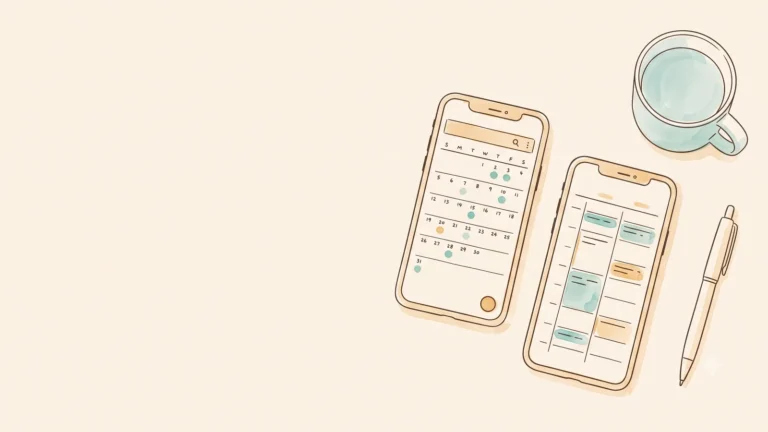
Low-tech, and better than it sounds. She creates a recurring entry in a calendar you both already see, or shares a single calendar with two or three events on it. Day one, and maybe a heads-up two days before.
Three things recommend it. It works across any two phones ever made. It contains exactly what she decided to put in it and not one field more. And it stays inside a tool you already check without being asked, which is more than most apps manage after week three.
What it will not do is predict anything, adapt when a cycle runs long, or tell you what a given phase tends to feel like. It is a heads-up, not a picture. For many couples that is the whole requirement.

Route 4: ask for the summary instead of the data
The one everyone skips. You do not need a feed to be useful. You need to know roughly where she is and what she wants on the hard days, and a thirty-second conversation once a month delivers both.
I ran a shared log with my partner for a year and eventually noticed I was checking it more than I was checking in. The app was answering a question I could have asked out loud. We kept it, because the heads-up genuinely helps on the days I would otherwise book something stupid, but it stopped being the whole system.
If the underlying goal is to stop being blindsided, our guide to being a better partner through her cycle is more use than any sharing setting.
What is worth sharing, and what should stay in her app
Every route above gives her a dial. Turning it all the way up is usually the wrong instinct.
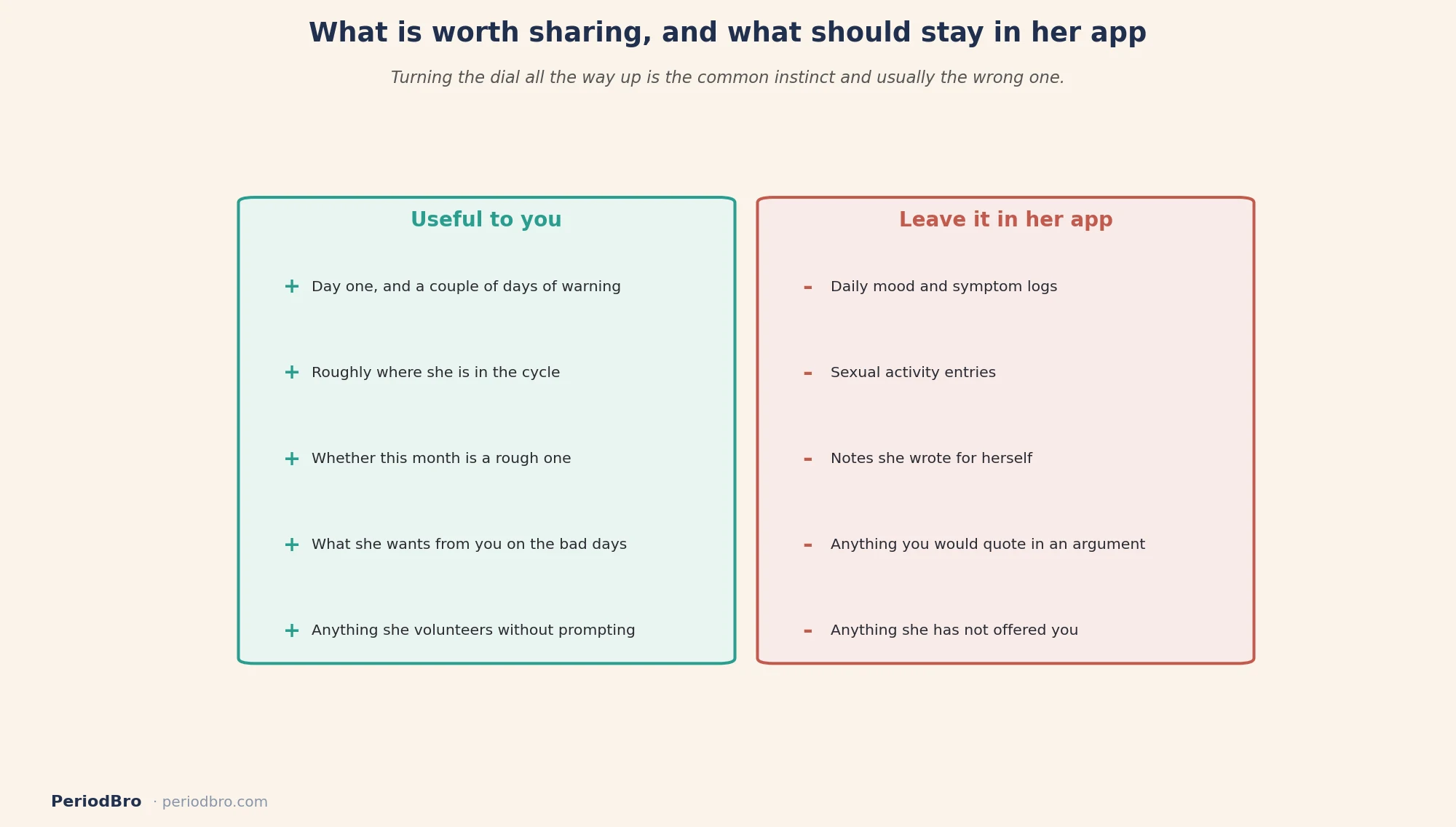
Cycle day and a couple of days of warning change your behaviour. Her mood logs, her sexual activity entries and her symptom notes do not, and having them tends to make partners worse rather than better, because a log invites interpretation nobody asked for. Our piece on whether you should track your partner’s cycle sits on that question properly.
Get consent out loud
None of these routes ask her the question for you. Flo sends an invite, Clue sends a link, Apple shows a sheet, and on Android there is no prompt at all. Tapping accept while distracted is not the same as agreeing to it.
Say what you want it for and what you will do with it. Something like: I keep getting caught out and planning things badly, would you be up for me seeing when your period is due. Then let the answer be no without it becoming a thing.
Two conditions worth holding yourself to. She can switch it off whenever she likes with no discussion, and you never bring it up as evidence in an argument, because cycle data used for scoring points stops doing anything useful for either of you. We wrote a whole guide on tracking her cycle with consent, including the post-Roe privacy side, and our piece on whether period tracker apps are safe covers where the data actually goes.
So which one
Both on iPhone and she already logs in Apple Health: use Health Sharing. Nothing new to install.
Mixed phones, or she logs in Flo or Clue: use the app’s own partner feature, or a shared calendar if she would rather hand over one date than a whole record.
Android and she wants real sharing: it has to be a third-party app with a partner feature, because the platform does not offer one.
And if she would rather not share anything, that is a complete answer. Ask her once a month where she is and write it down yourself, which gets you most of the benefit without asking her to hand over anything.

App features, tiers and pricing change often, so check the current version before relying on anything here. Cycle predictions from any app are estimates and are not a form of contraception. This article is general information and not medical advice.